





AI reportsIPM Standards CompliantClient portal included

You inspect.The AI writes the report.And runs your back office.

The AI writes down what your technician found: findings, risks and measures, in one report the client understands at once. After that the rest runs on without you: the quote, the invoice, and the reminder you would otherwise have sent yourself. Products, margin and wording you decide yourself.

  • Findingscheckpoints and photos on the tablet
  • AI analysisrisks and measures written in
  • A quote in ten stepsproducts and margin stay yours
  • Accepted from the mailno login, no signature
  • Visit bookedat the prices they accepted
  • Signed at the doorwith the report the same day
How it works

Four steps. From finding to a signed visit.

  1. 1

    The technician inspects

    Checkpoints, photos and findings on the tablet.

  2. 2

    The AI writes the analysis

    Risks and measures, out of those findings.

  3. 3

    The office finishes the quote

    Products, margin and wording stay yours.

  4. 4

    Accepted, then the door

    The client accepts from the mail; the visit is what gets signed.

Quotes, with AI

The quote writes itself

Ten steps from client to a quote in the post. What your technician finds becomes the analysis.

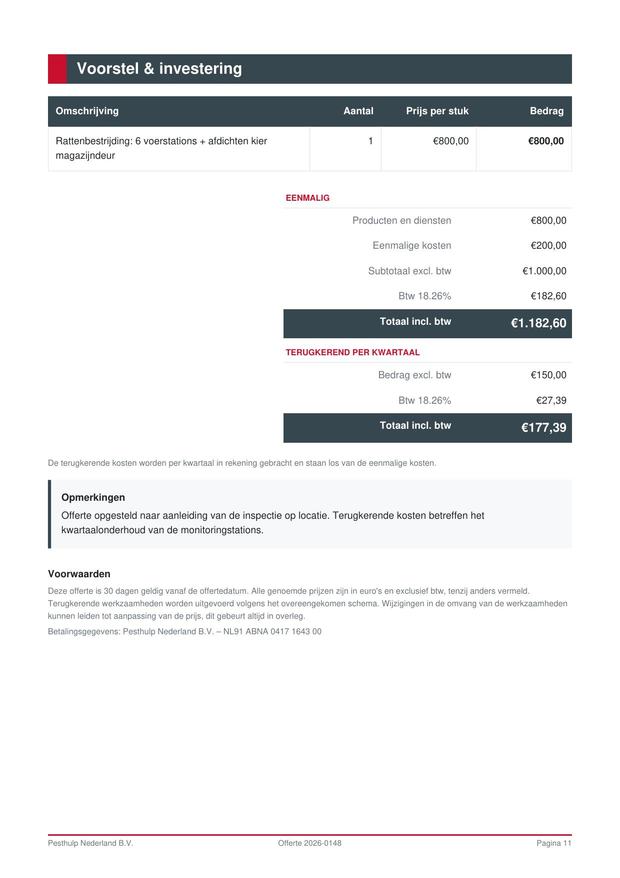
The field app on a tablet: from client details to the AI analysis and the price proposal, shown sped up.

The quote flow

  1. 1Client
  2. 2Location
  3. 3Pests
  4. 4Findings
  5. 5RisksAI
  6. 6MeasuresAI
  7. 7Advice
  8. 8ProductsAI
  9. 9Notes
  10. 10Review
  • Starts on its own

    No button, no waiting screen halfway.

  • The price stays yours

    Product suggestions are yours to ask for.

  • If the AI fails?

    The standard catalogue takes over.

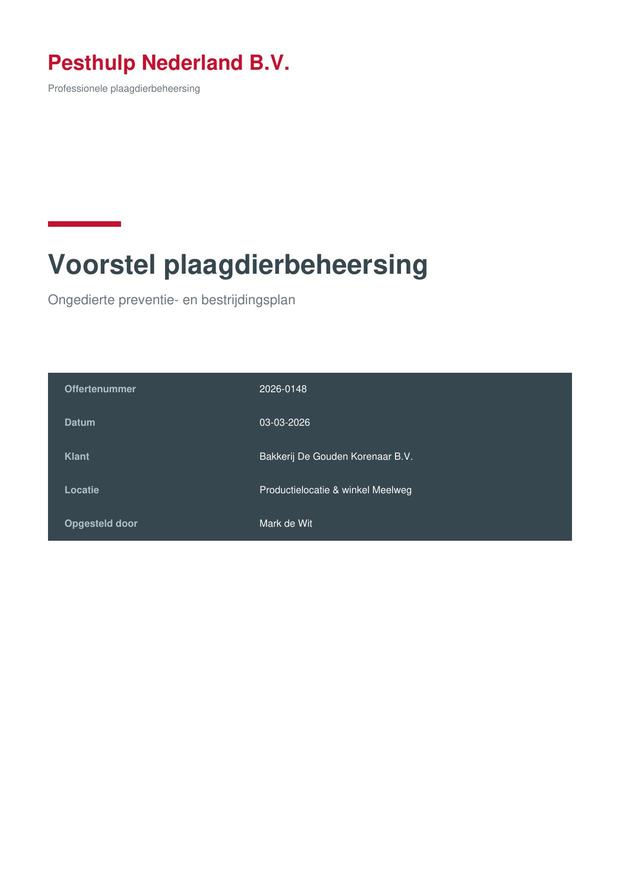
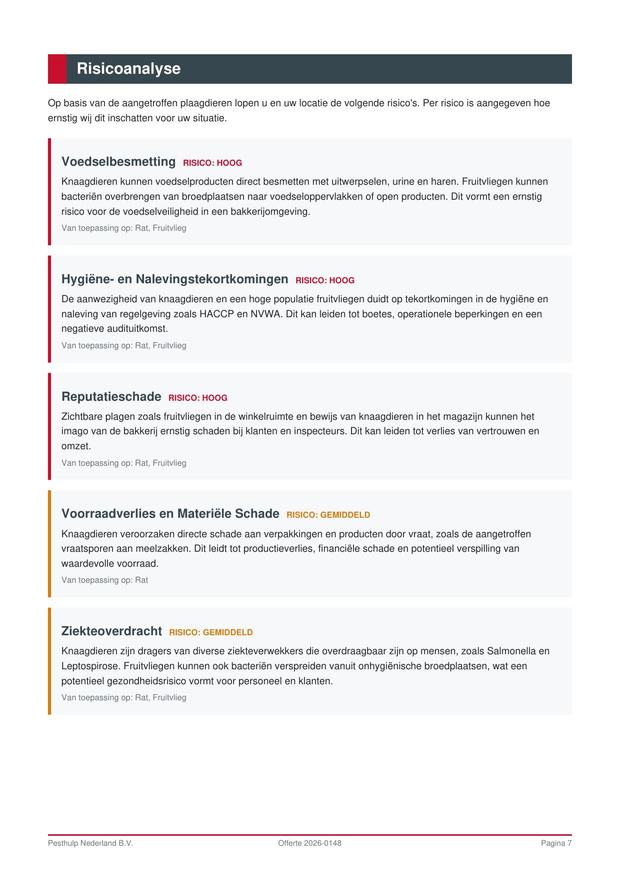
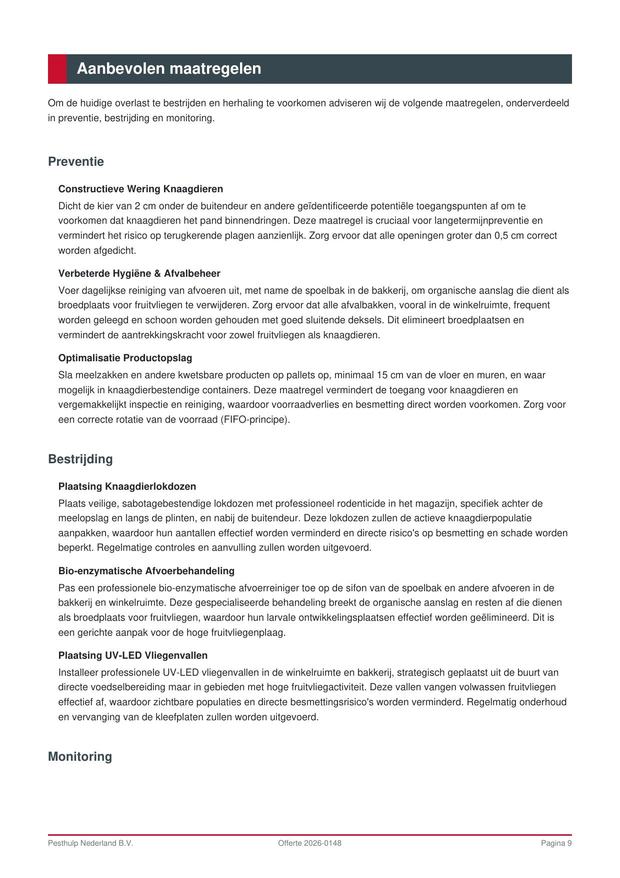
The quote that comes out

Twelve pages, laid out automatically.

  • Covering letter
  • Client and location details
  • Your method
  • Findings per pest
  • Risk analysis with severity
  • Measures by type
  • Price proposal
  • How the client accepts
View the sample quote (PDF)

Real output from the generator. The wording is the AI’s; the company, adviser and client are invented.

steps from client to a sent quote
10steps from client to a sent quote
AI analysis on production
±30 secAI analysis on production
pages in the generated quote
12pages in the generated quote
every quote in both languages
NL + ENevery quote in both languages
Without

The evening after the inspection disappears

The same visit, two ways of working.

  1. Writing up photos and notes at night

  2. Retyping the quote in Word

  3. Out the door days later

  4. The client has already called someone else

With PestHulpApp
  • The findings are already in the app
  • The AI writes the risks and measures with them
  • The quote goes out the same day
  • The client accepts from the mail, with no login

Everywhere pests turn up

One way of working, from a kitchen to a distribution centre.

  • HospitalityKitchens and storage
  • Food processingHACCP and audits
  • HealthcareHygiene first
  • RetailShops and warehouses
  • LogisticsDistribution centres
  • Property & HOAHomes and offices
  • EducationSchools and childcare
  • AgricultureBarns and storage
A working day

Three parts of one working day

From a new enquiry to a sent report and invoice: follow the next step for each role.

1. Administration

From enquiry to a scheduled visit

The office reviews the work, turns it into a task and schedules the visit.

  1. An administrator at a desk with an incoming email beside a laptop.
    Step 1AdministrationAdministration · the office

    Review the new enquiry

    A question about pests arrives from a client or prospect.

    In the app

    The enquiry is ready with contact details and the recognised pest, ready to review and match to the right client.


  2. An administrator preparing work with a document and phone.
    Step 2AdministrationAdministration · the office

    Pick up and assign the task

    The enquiry becomes concrete work for the team.

    In the app

    The office creates a task, adds the information the technician needs and assigns it to the right person.

  3. An administrator scheduling a visit on a weekly calendar.
    Step 3AdministrationAdministration · the office

    Schedule the visit

    The client and technician need a suitable time.

    In the app

    The planner shows available times and their reason, so the office can book the visit with confidence.

2. At the client

The technician performs the visit

The technician completes the round, records findings and finishes the visit with the client.

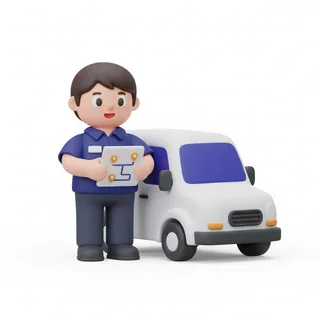
  1. A technician with a tablet beside a company van.
    Step 1TechnicianTechnician · on the way

    The day is ready

    The technician sees only the work prepared for them today.

    In the app

    Today shows the scheduled visit with the location, contact person and a clear action to start.

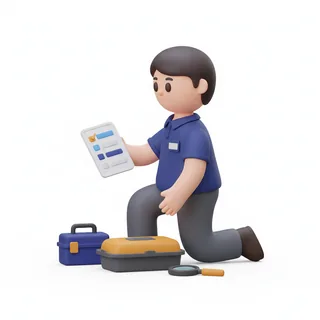
  2. A technician at a checkpoint with a toolbox and tablet.
    Step 2TechnicianTechnician · on site

    The round along the checkpoints

    The technician works through the location and checks what is on the plan.

    In the app

    Checkpoints follow the walking route; status, activity, species and photos are recorded at once or safely saved until there is a connection.

  3. A technician recording findings on a tablet.
    Step 3TechnicianTechnician · on site

    Record findings and photos

    The technician records what was found and what it means for the client.

    In the app

    Observations, catalogue pests and photos form the findings for the analysis and report.

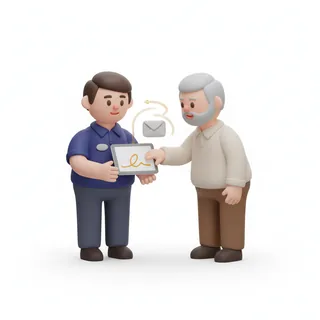
  4. A technician showing a tablet to a client to complete the visit.
    Step 4TechnicianTechnician · at the door

    Complete the visit with the client

    The client sees what was done and found before the visit is submitted.

    In the app

    The client signs the summary, or the technician records why there was no signature. The visit is then ready for administration.

3. After the visit

Report, invoice and follow up

After a submitted visit, the report and invoice can go to the client. A technician can do this too with the right permission.

  1. An invoice and report on screen with payment details.
    Step 1AdministrationAdministration · the office

    Send the report and invoice

    The submitted visit becomes clear documentation for the client.

    In the app

    Administration sends the report and creates or sends the invoice. A technician can do this too when they have the right permission.

  2. An administrator reviewing follow-up work and outstanding invoices.
    Step 2AdministrationAdministration · the office

    Follow up what needs attention

    The work has been sent, but not everything is finished straight away.

    In the app

    Administration sees which reports, invoices or next actions still need attention.

In a one-person business, one person can do all three parts. Permissions still decide who may send a report or invoice, wherever they are working.

Every feature in one platform

Grouped the way a working day runs: what comes in, what happens in the field, and what still has to happen afterwards.

Want to see what this looks like in your own business?

Get started today
Certified•IPM Standards Compliant

Built for IPM Compliance

Our platform is designed to meet all Integrated Pest Management (IPM) tool standards, ensuring your operations comply with industry regulations and best practices.

IPM Standards Compliance

Our platform meets all Integrated Pest Management (IPM) tool standards and industry regulations.

Comprehensive Documentation

Generate IPM-compliant reports with all required documentation and audit trails.

Risk Assessment Tools

Built-in risk assessment templates that align with IPM best practices and regulatory requirements.

Audit Trail & Compliance

Complete audit trails for all actions, ensuring compliance with IPM documentation requirements.

Why IPM Compliance Matters

Every inspection, measure and check is recorded the way IPM requires. When an audit comes, it is already there.

Winner•More features, lower price per technician

Why Choose Our Platform

We offer everything you need, plus much more. See what makes us different:

  • AI-Powered Content Analysis

    Us

    Competitors: Not available

  • Everything in the Plan

    Us

    Competitors: Paid add-on

  • Price per Technician

    Us

    Competitors: Limited

  • Route Optimisation

    Us

    Competitors: Paid add-on

Ready to Make the Switch?

Join pest control companies that have migrated from their existing systems and never looked back. We offer smooth migration, better features, and unlimited growth potential.

Guaranteed•Smooth Migration Process

Migrate Without the Hassle

Switching to our platform is easier than you think. Our expert team handles everything, ensuring a smooth transition with zero downtime.

1

Data Assessment

We analyse your existing data structure and create a custom migration plan.

2

Seamless Transfer

Our team handles the entire migration process with zero downtime.

3

Data Verification

Complete data integrity checks ensure everything migrated correctly.

4

Training & Support

Comprehensive training and ongoing support to get your team up to speed.

Migration Benefits

  • Zero downtime migration
  • Complete data integrity
  • Dedicated migration specialist
  • Free training sessions
  • 30-day post-migration support
  • Rollback plan if needed

Ready to Migrate?

Our migration specialists are ready to help you transition smoothly. Get a free migration assessment and timeline today.

Get Free Migration Assessment

Simple, Transparent Pricing

Choose the plan that fits your business. All plans include a 14-day free trial.

  • Starter

    €29/per technician/month

  • Professional

    €59/per technician/month

  • AI Pro

    €99/per technician/month

    Most Popular

  • Enterprise

    pricing

Ready to get started?

Get your first quote accepted this week, and sign the visit that follows at the door.

Contact Us